
768 B
768 B
#Creating a Transition
States can be connected through transitions, which determines the order in which the states are run.
To create a transition:
-
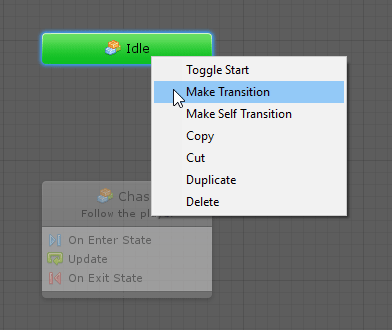
Right-click the source state and select Make Transition.
-
Do one of the following:
-
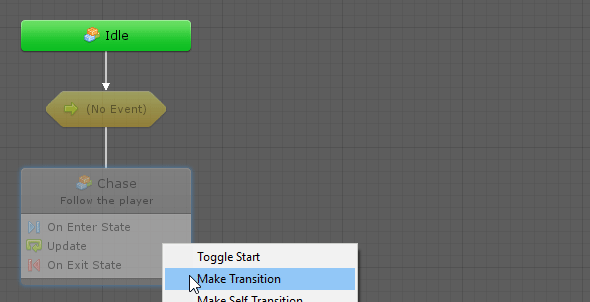
Click on the destination state.
-
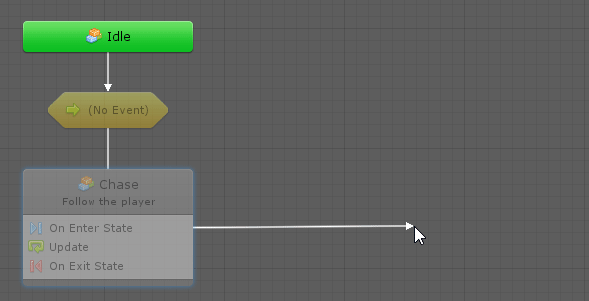
End the transition at an empty space in the graph to create a new state automatically.
-
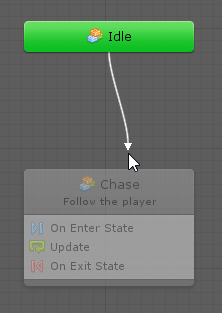
Ctr-click (or Cmd-click on Mac) on the source node and drag to create a transition.
-