
1020 B
1020 B
Thread maps
The Fabric shaders can use a thread map for the high-frequency details that fabrics exhibit. This is similar to the detail map found in HDRP's Lit shaders. The Thread Map input is channel-packed to optimise memory and is arranged in a way to optimise precision for the normal map. The Fabric Material Sample includes some pre-authored Thread Maps for you.
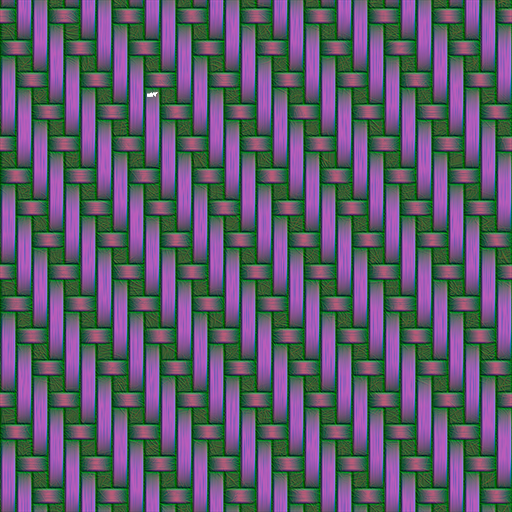
The format of the thread map texture:
- Red: Ambient Occlusion
- Green & Alpha: Normals.
- Blue: Smoothness.
Under the hood, the fabric shaders apply thread maps using a SubGraph Operator. To learn more about the thread map implementation, or to use it yourself:
- In the Unity Editor, open a Shader Graph asset’s Shader Editor.
- Right-click anywhere in the graph view, and select Create Node.
- Navigate to Utility > High Definition Render Pipeline > Fabric > Thread Map Detail and select. This adds the Thread Map operator into your graph.