1.6 KiB
1.6 KiB
Ray-Traced Contact Shadows
Ray-Traced Contact Shadows is a ray tracing feature in the High Definition Render Pipeline (HDRP). It is an alternative to HDRP's Contact Shadow technique that uses a more accurate ray-traced solution that can use off-screen data.
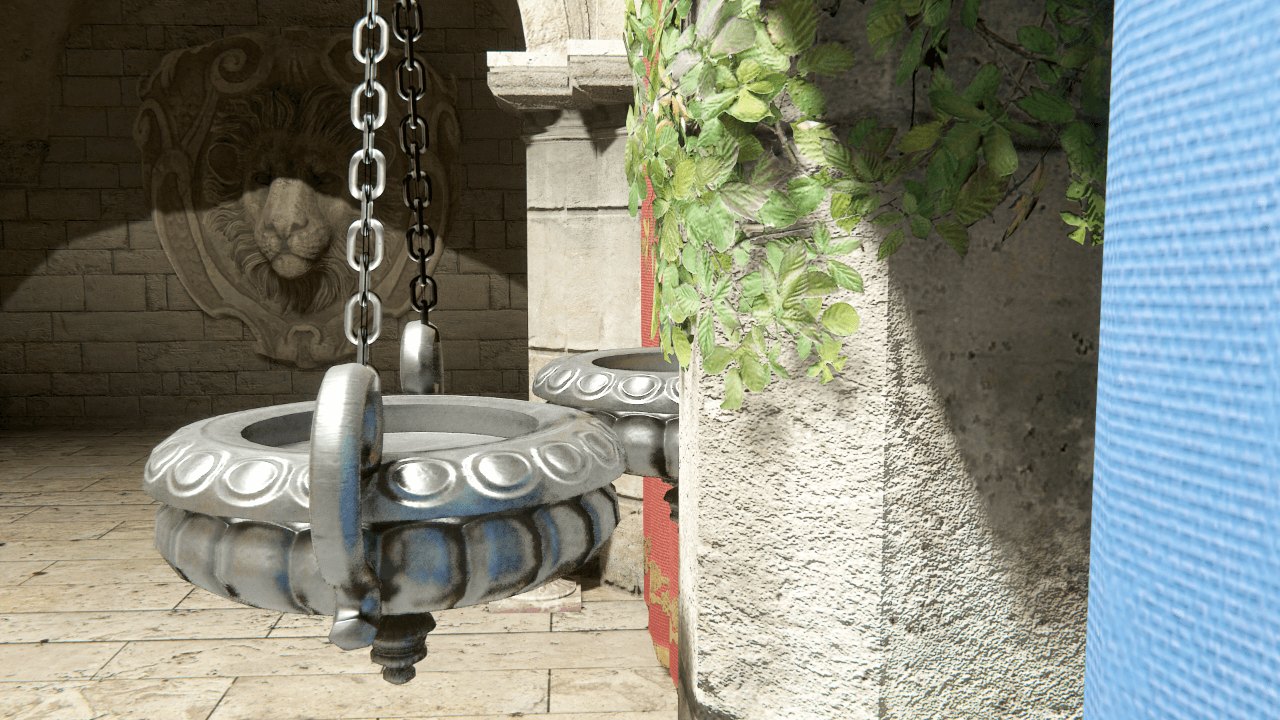
Without Contact shadows
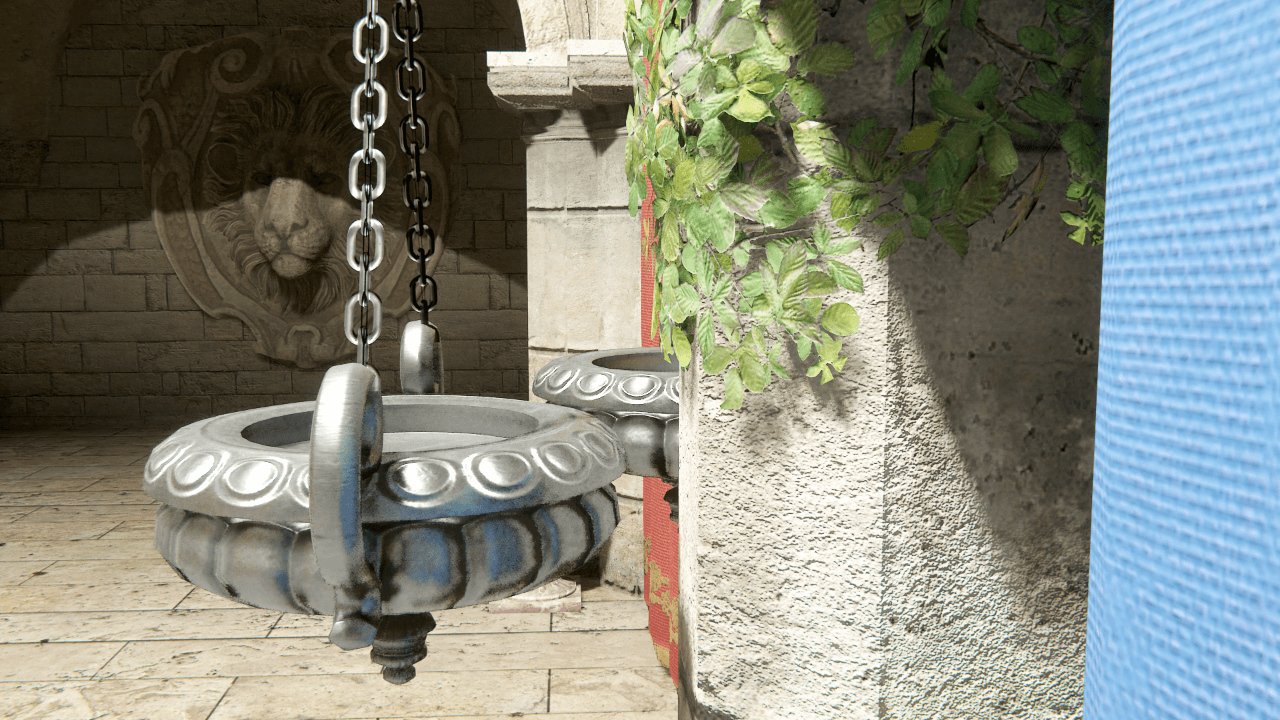
Contact shadows
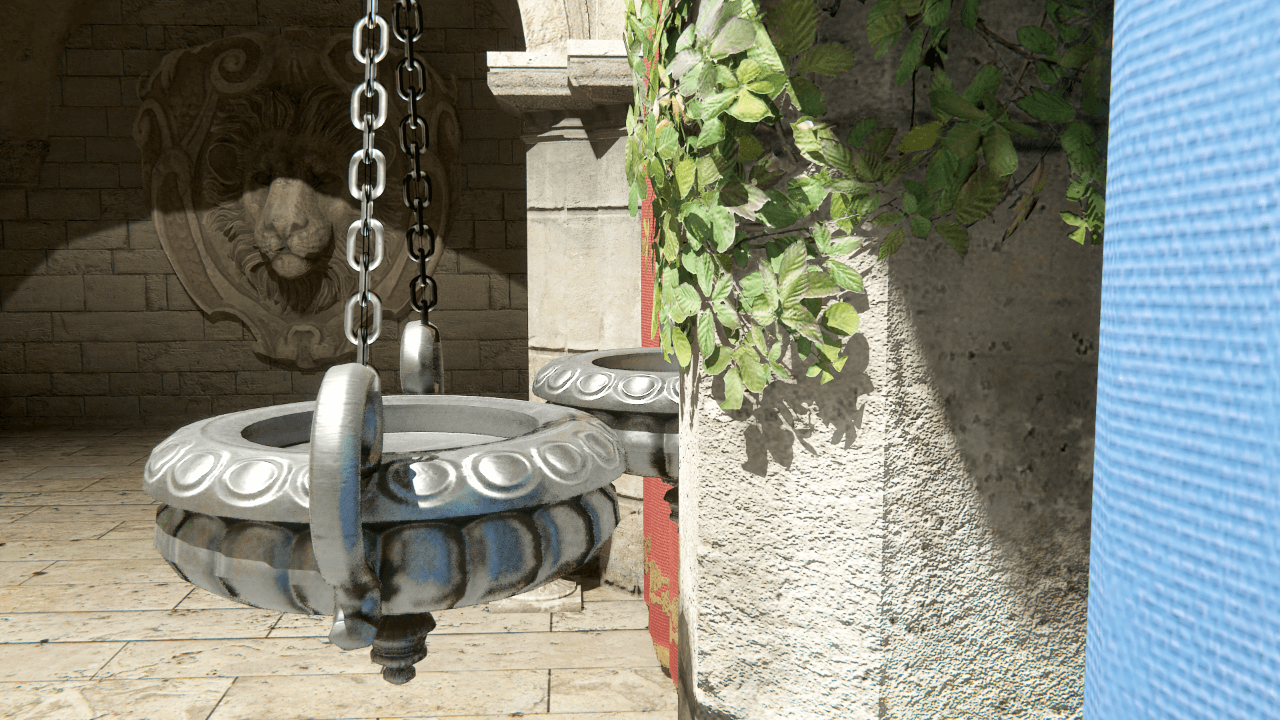
Ray-traced contact shadows
For information about ray tracing in HDRP, and how to set up your HDRP Project to support ray tracing, see Getting started with ray tracing.
Using Ray-Traced Contact Shadows
Because this feature is an alternative to the Contact Shadows Volume override, the initial setup is very similar. To setup ray-traced contact shadows, first follow the Enabling Contact Shadows and Using Contact Shadows steps. After you setup the Contact Shadows override, to make it use ray tracing:
- In the Frame Settings for your Cameras, enable Ray Tracing.
- HDRP calculates ray-traced contact shadows on a per-light basis. This means you need to enable it for each light.
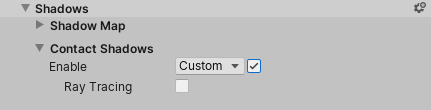
- Select a Light and, in the Inspector, go to Shadows > Contact Shadows and tick the Enable checkbox. This exposes the Ray Tracing property.
- Enable the Ray Tracing checkbox.